ImgToolkit is a free online certificate maker and certificate generator for completion, achievement, appreciation, and participation awards. Add the recipient, course or achievement, organization, date, optional signature text, and a PNG or JPG logo or seal. Preview the design, then download a PNG or single-page PDF without an account or watermark. Certificate details are rendered in your browser.
How to make a certificate online
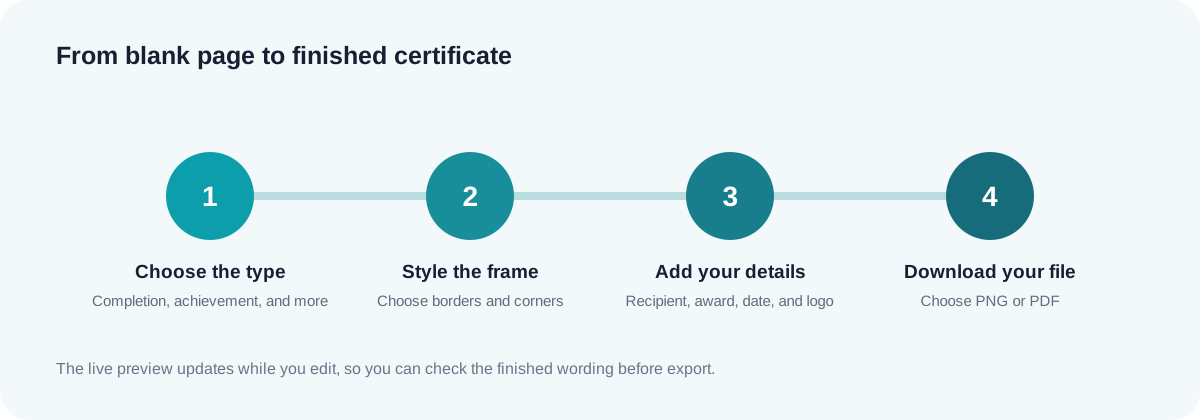
- Choose a certificate type: Completion, Achievement, Appreciation, or Participation.
- Select border and corner styles, and optionally upload a logo or seal.
- Enter the recipient, achievement, organization, date, and optional signature text.
- Download a PNG image or a single-page PDF.
Free online certificate maker: quick facts
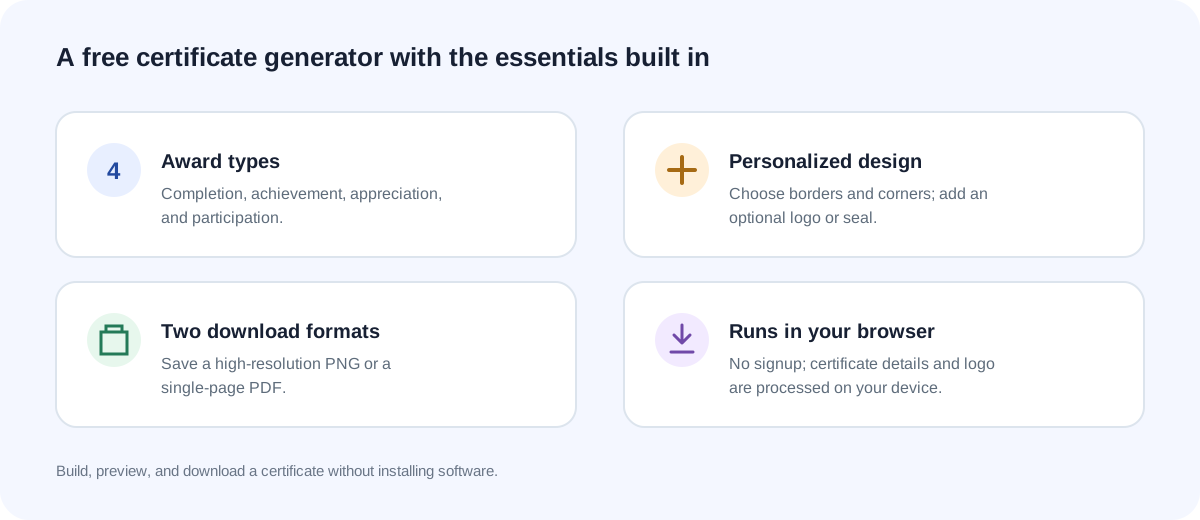
This free certificate generator offers four award types, four border styles, and four corner styles. Add an optional PNG or JPG logo or seal up to 5 MB. Export a roughly 1800 × 1280 PNG for sharing or a single-page PDF for printing. There is no signup or watermark, and the certificate details are rendered in your browser.
Which certificate type should you choose?
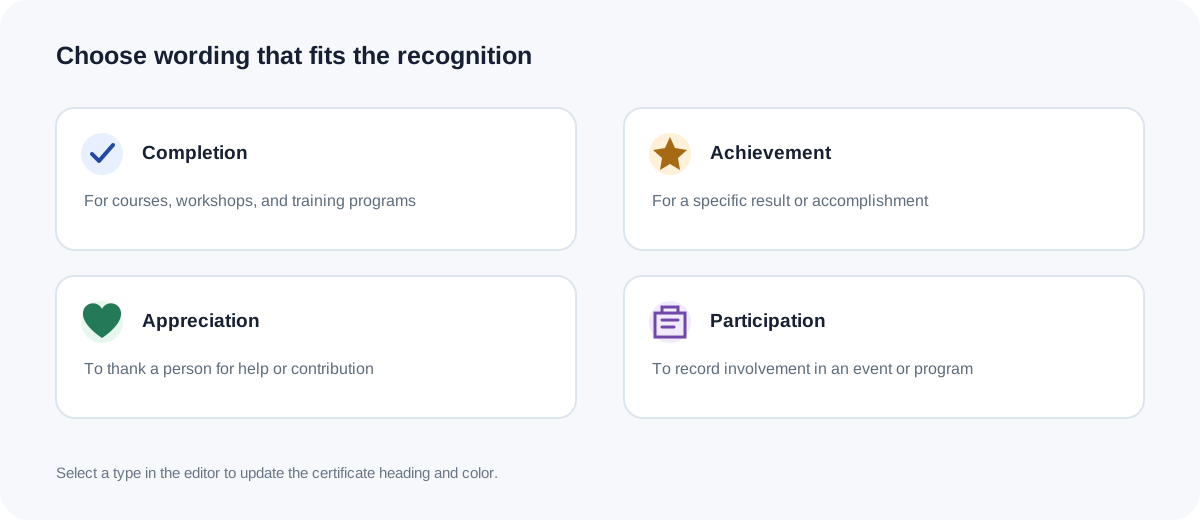
Completion recognizes finishing a course or training program. Achievement recognizes a particular result. Appreciation thanks someone for support or contribution. Participation recognizes involvement in an event or program.
Who uses an online certificate maker?
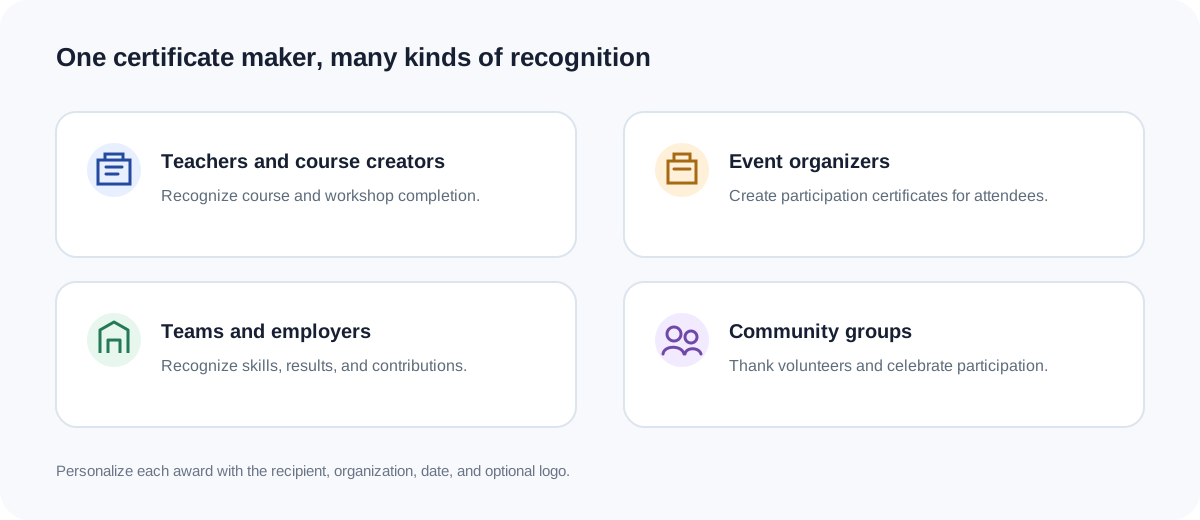
Teachers and course creators recognize students who finish a class or workshop. Event organizers prepare participation certificates for attendees, while teams and employers acknowledge results or contributions. Community groups can thank volunteers. Keep wording consistent when making certificates for a class or team, and update the recipient and date before each download.
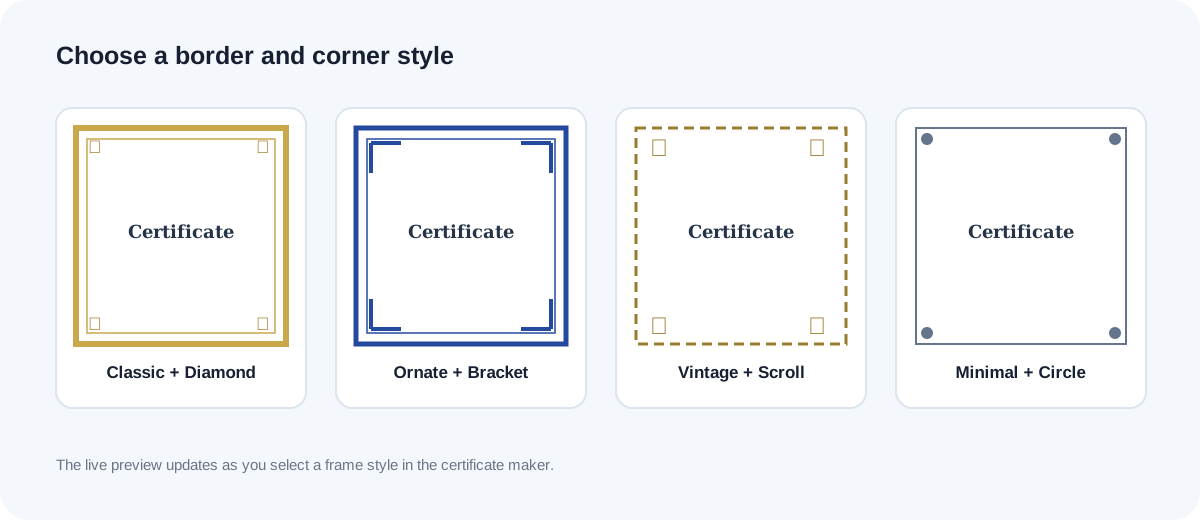
Style the certificate border and corners
Choose a classic, ornate, vintage, or minimal border, then pair it with diamond, bracket, scroll, or circle corners. Add an optional PNG or JPG logo or seal, up to 5 MB, and optional signature text. The preview updates as you change the design.
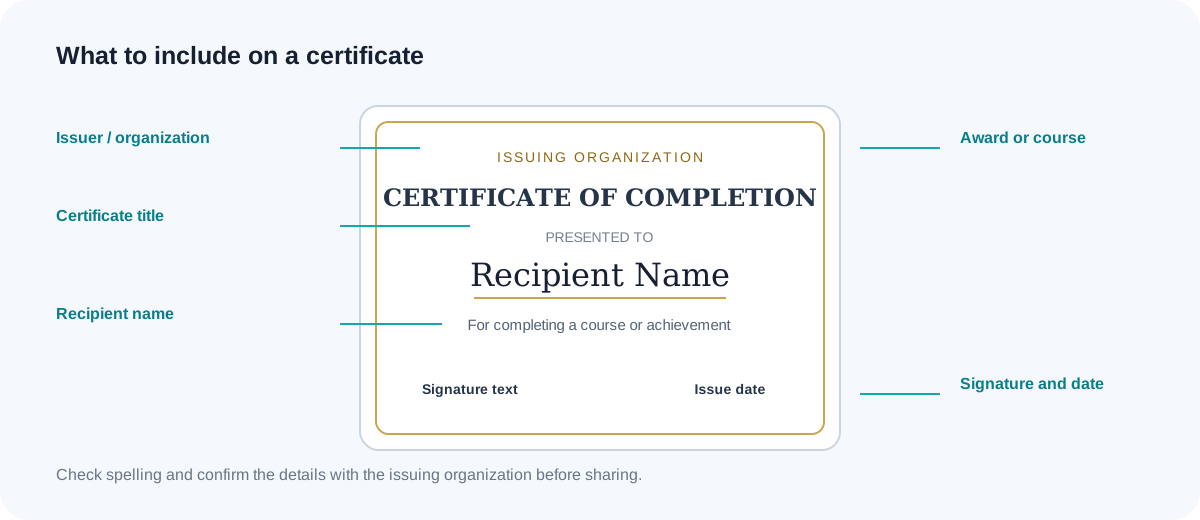
What information should a certificate include?
A clear certificate names the recipient, award or course, issuing organization, date, and optional signature text. Check spelling and dates before downloading. Use consistent wording when preparing certificates for a class or team. This tool creates a design and does not verify qualifications or replace an institution’s official credential process.
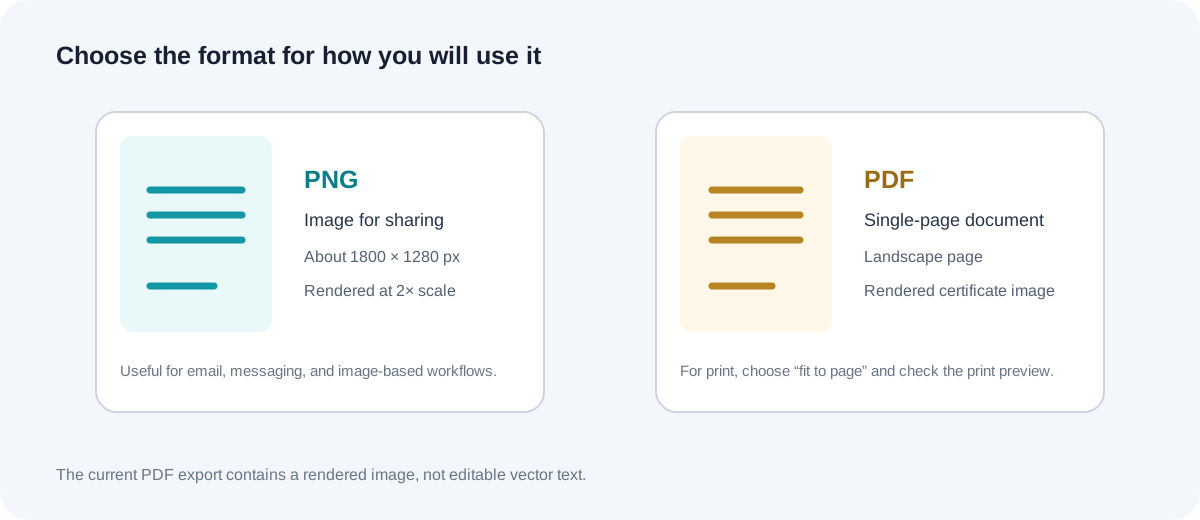
Download and print your certificate
Choose PNG for an image to share by email or messaging. The 900 × 640 pixel preview is rendered at approximately 1800 × 1280 pixels for the PNG. PDF downloads are single-page landscape documents containing a rendered certificate image, not editable vector text. For A4 or Letter printing, choose “fit to page” and check the printer preview because paper sizes and margins can change the scale.
Free certificate maker FAQs
Is this certificate maker free to use?
Yes. The free online certificate maker runs in your browser, requires no account, and adds no watermark to downloads.
Can I print the certificate?
Yes. Download the PNG or PDF and check your printer preview. Choose fit to page for A4 or Letter paper; printer margins may affect the final scale.
What is included in the PDF download?
The PDF is a single landscape page containing a rendered certificate image. Its text is not editable vector text.
Which certificate types are available?
Choose Completion, Achievement, Appreciation, or Participation. Each type updates the heading, wording, and color theme.
What details can I add?
Enter the recipient, course or achievement, organization, date, and optional signature text. Add a PNG or JPG logo or seal up to 5 MB.
Does the certificate generator send my logo to a server?
No. The logo and certificate details are read and rendered in your browser; they are not uploaded by this tool.
Can I edit the PDF after downloading?
The PDF contains a rendered certificate image, not editable text. Change the online certificate and export a new file.